Intermediate Level Multimedia

Video Editing Masterclass

Learn professional video editing skills using industry-standard software to create content for YouTube, social media, and commercial projects.

12 Weeks Duration
25+ Students
4.9/5 Rating
Certificate Included
Video Editing Course

Course Overview

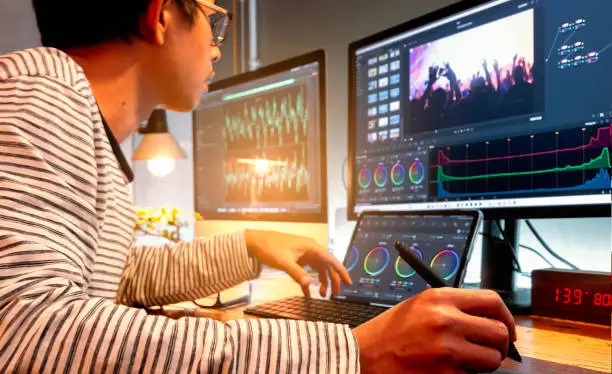
This course will equip you with professional video editing skills. From trimming and cutting to adding transitions, effects, and sound design, you’ll learn to craft engaging and polished videos using Adobe Premiere Pro and CapCut. Whether you're creating content for YouTube or for clients, this course prepares you to deliver top-notch work.

What You'll Learn

  • Editing fundamentals, cuts, transitions, and timelines
  • Color correction, grading, and cinematic effects
  • Audio editing, background music, and voiceovers
  • Titles, motion graphics, and intros/outros
  • Exporting for YouTube, Instagram, and clients

Course Features

Practical Editing

Hands-on editing with real-world footage

Pro Instructor

Learn from an experienced media professional

Certification

Get certified for professional credibility

Flexible Schedule

Weekend and evening classes available

Course Information

Duration:12 Weeks
Format:Online & Offline
Class Size:Max 15 Students
Prerequisites:Basic Computer Skills
Language:Urdu & English
Support:24/7 Online Support

Next Batch Starts

September 2025
Weekends: 12:00 PM - 3:00 PM
Course Modules

01

Editing Fundamentals

2 Weeks

Understand the timeline, workspace, tools, and interface of Adobe Premiere Pro & CapCut.

  • Importing & organizing media
  • Basic trimming, cutting, transitions
  • Timeline & sequence setup
  • Project structure best practices
02

Color Correction & Grading

2 Weeks

Make your videos visually appealing by learning color balance, matching, and cinematic looks.

  • Basic & advanced color correction
  • Lumetri color tools
  • Using LUTs
  • Creating consistent looks
03

Audio Editing & Mixing

2 Weeks

Learn how to edit audio tracks, reduce noise, and mix for clarity and professionalism.

  • Noise removal & audio cleanup
  • Adding background music
  • Syncing voiceovers
  • Using keyframes & volume control
04

Titles & Motion Graphics

2 Weeks

Create engaging intros, outros, titles, and animated text using built-in and custom templates.

  • Essential Graphics Panel
  • Lower thirds and subtitles
  • Animated titles with keyframes
  • Motion presets and transitions
05

Social Media Optimization

2 Weeks

Edit specifically for YouTube, Instagram, TikTok, and clients’ needs.

  • Aspect ratios & resolution settings
  • Export settings for different platforms
  • Thumbnails and branding
  • Short-form vs long-form content
06

Final Project

2 Weeks

Put all your skills into action by completing a final video editing project with feedback.

  • Client-style project brief
  • Real-world footage editing
  • Peer review & instructor feedback
  • Portfolio presentation

Become a Professional Video Editor

Start your creative journey today and learn to produce videos that captivate audiences and land clients or jobs in the media industry.

7-day money-back guarantee